 Tap AAC
Classroom visual schedule: free printable picture cards
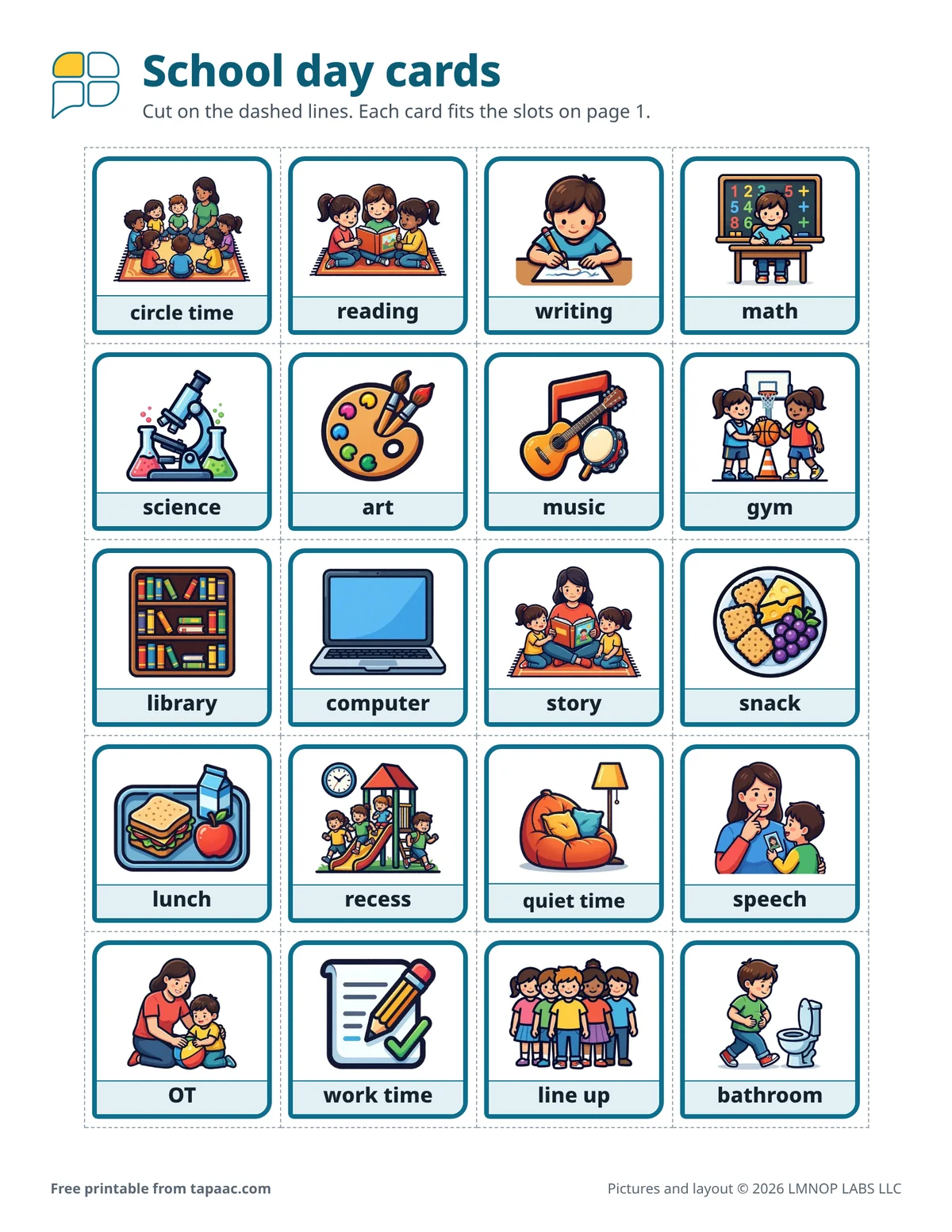
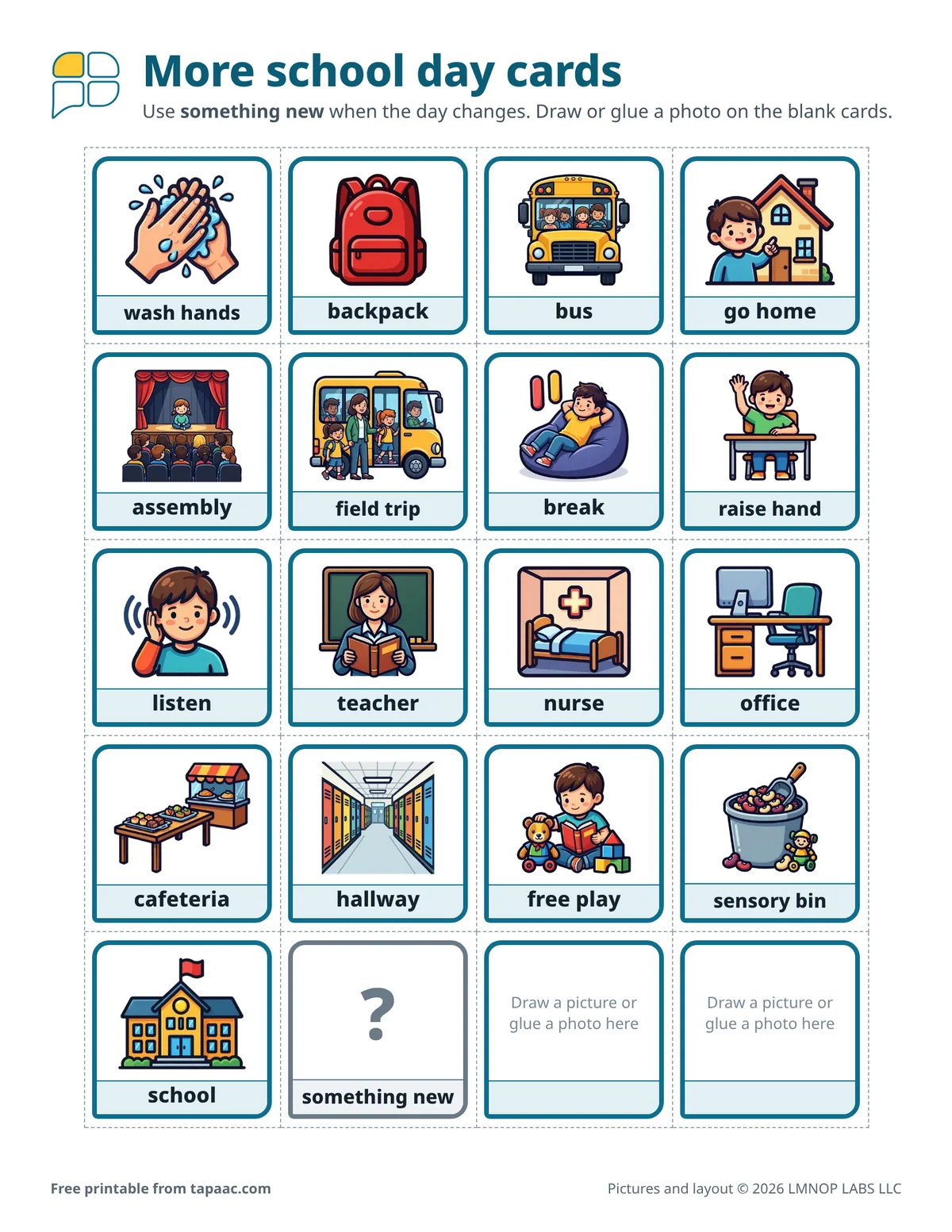
A classroom visual schedule shows the parts of the school day as pictures, in order, so a student can see what’s happening now, what’s next and when it’s time to go home. This free PDF has a one-page schedule with eight slots (four for the morning and four for the afternoon, each with a line for the time and a box to tick) and 38 picture cards: subjects, specials, therapies, lunch, recess, the bus and a something new card for changes.
Download the free PDF US Letter, 3 pages, 1,570 KB
Portrait (tall page, 3 pages): US Letter PDF (1,570 KB) · A4 PDF (1,570 KB)
Landscape (wide page, 3 pages): US Letter PDF (1,570 KB) · A4 PDF (1,569 KB)
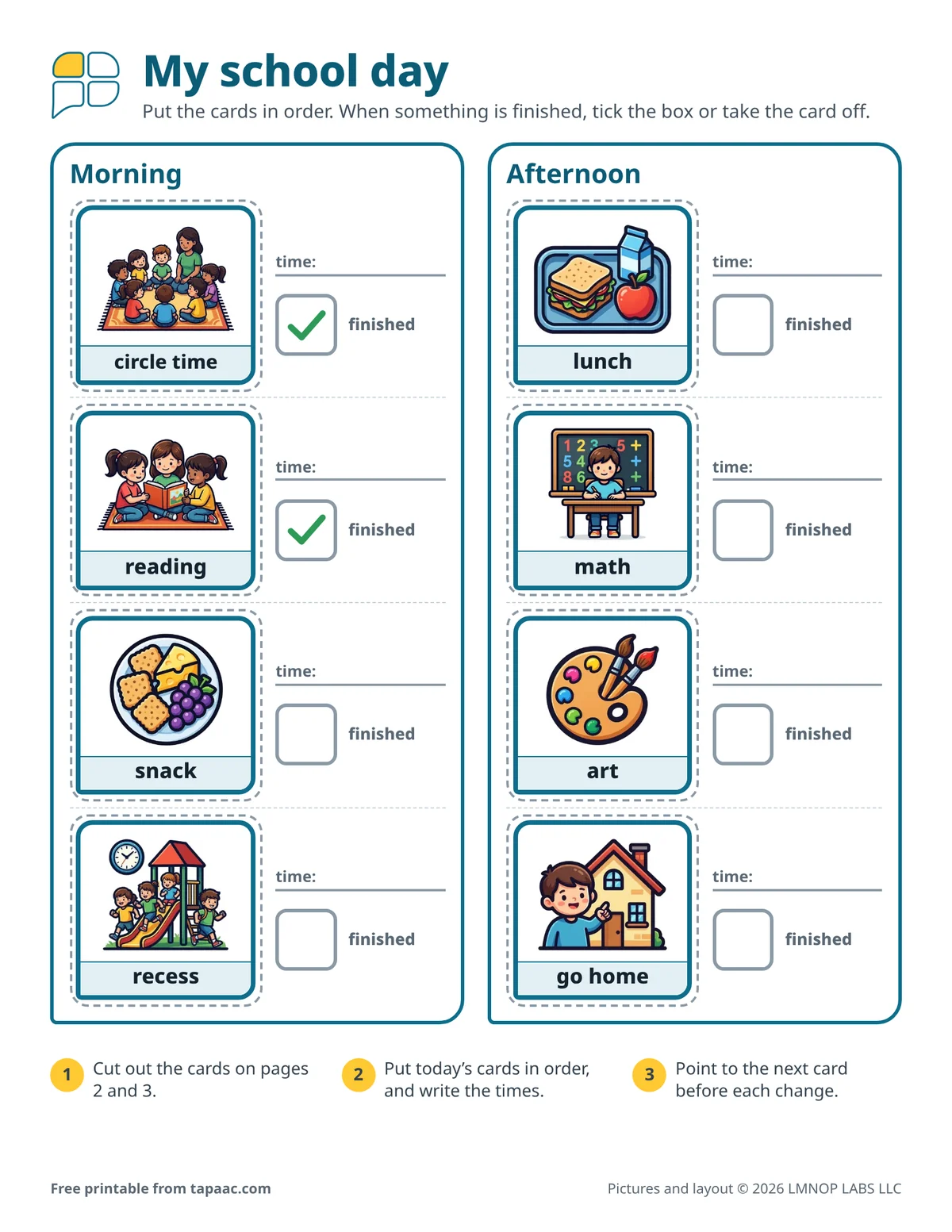
Edit this board in the free board maker: change the words and pictures, then print.
Have Tap AAC? Add to Tap AAC (.obz file, 1,422 KB) · How to add a board
- Free
- No sign-up
- Print as many as you need
Who it’s for
Students in general and special education classrooms who do better when they can see the day, and the teachers, aides and therapists who work with them. It also works for homeschool, and at home on the evening before a school day. Use one page for the whole class, or give one student their own.
How to use a classroom visual schedule
- Set it up before the students arrive. Put the day’s cards in order and write the times.
- Go through it at the start of the day. At circle time or morning meeting, point to each card and name it.
- Point to it before every change. “Reading is finished. Next is snack.” The schedule does the announcing, and you don’t have to repeat it.
- Mark what’s finished. Tick the box, or take the card off and put it in an envelope. Let the student do it when they can.
- Show changes early. Put the something new card in the slot as soon as you know about an assembly, a substitute or a fire drill.
When the day changes
School days change: a special is canceled, a visitor comes, it’s raining at recess. Instead of pretending the day is fixed, put the change on the schedule: swap the card, or use something new and talk about it before it happens. A change that was on the schedule is far less of a surprise than one that wasn’t.
Whole day, or one step at a time
Some students like to see the whole day. Others do better with only what’s now and what’s next; for them, cover all but two slots, or use a first-then board on the desk. A class schedule on the wall and a small one on a student’s desk can sit side by side, with the same cards.
Before lunch, Ms. Ortiz stops by Jaden’s desk and points to his schedule: “Recess is finished. Next is lunch.” Jaden ticks the box. That morning she had put something new in the first afternoon slot and told him about the assembly. After lunch he points to it himself. “Yes, the assembly. Then math.”
Cards on the sheets
- circle time
- reading
- writing
- math
- science
- art
- music
- gym
- library
- computer
- story
- snack
- lunch
- recess
- quiet time
- speech
- OT
- work time
- line up
- bathroom
- wash hands
- backpack
- bus
- go home
- assembly
- field trip
- break
- raise hand
- listen
- teacher
- nurse
- office
- cafeteria
- hallway
- free play
- sensory bin
- school
- something new
- 2 blank cards
Printing tips
- Print the cards on card stock and laminate them before cutting. Put a hook-and-loop dot in each slot and on the back of each card.
- Write the times with a dry-erase marker, so the same page works every day.
- Tape an envelope to the back for the cards you aren’t using today.
- The cards are 1.6 inches (4 cm) square, the same size as the cards on our other schedules, so a wash hands or break card can move between them.
- Send a copy home. Parents can use the cards to ask about the day: “What did you do after lunch?”
- Some parts of the day have a board of their own: the art communication board for art time, and the library communication board for a library visit.
For a student who uses AAC to talk, read AAC at school: how teachers can support a student who uses AAC.
More free boards
-
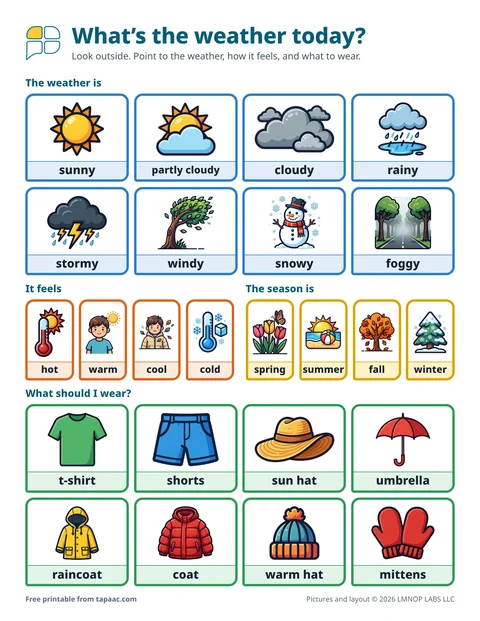 Weather and calendar boardToday’s weather, how it feels, what to wear and the season, plus a calendar page.
 -
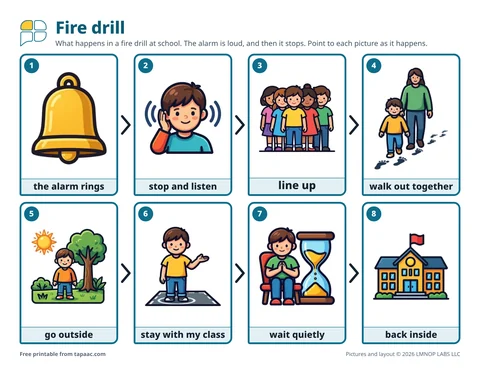 Fire drill visual scheduleThe eight steps of a school fire drill, words and what helps during the drill, and a drill plan for the class.
 -
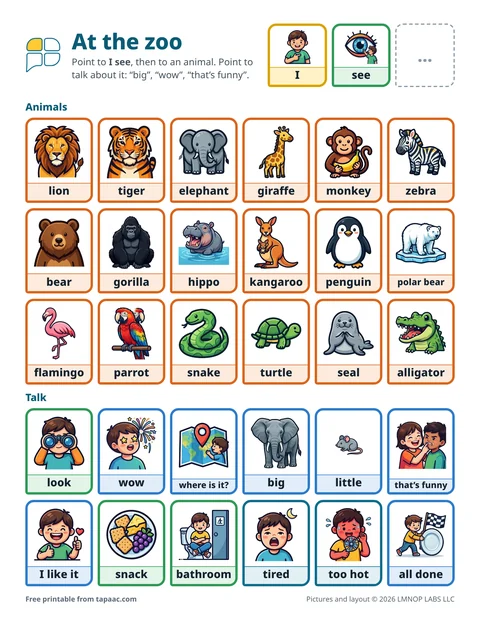 Zoo and field trip board18 zoo animals and zoo talk, a field trip visual schedule, and 18 cards for any trip.
 -
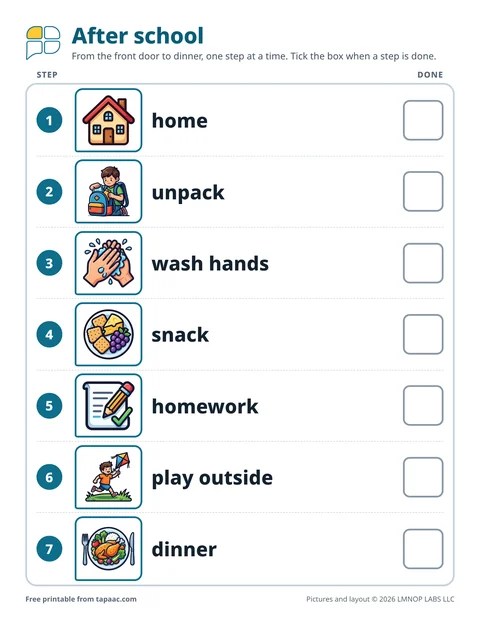 After school routine chartSeven steps from the front door to dinner, 18 picture cards, and a board for telling about the school day.
Need a different board? Make your own with the free AAC board maker.
Making a schedule? Use the free visual schedule maker: routines ready to open and change.
These boards and guides are general information, not therapy or medical advice, and they don’t replace a speech therapist. A speech therapist who knows the person can help choose the right words, pictures and layout. The boards are free to print and share; please don’t sell them (terms of use). Questions about the boards? Email support@lmnoplabs.fun.