


Tap AAC

Tap AAC, the AAC app for Android

Tap a picture. Be heard.

A talking picture board for children and adults who can’t rely on speech. Tap pictures to build a sentence, and Bella, the app’s own voice, says it out loud. It works offline, with no account needed.

  • Free for 30 days
  • Then $29.99 once
  • No subscription, no ads
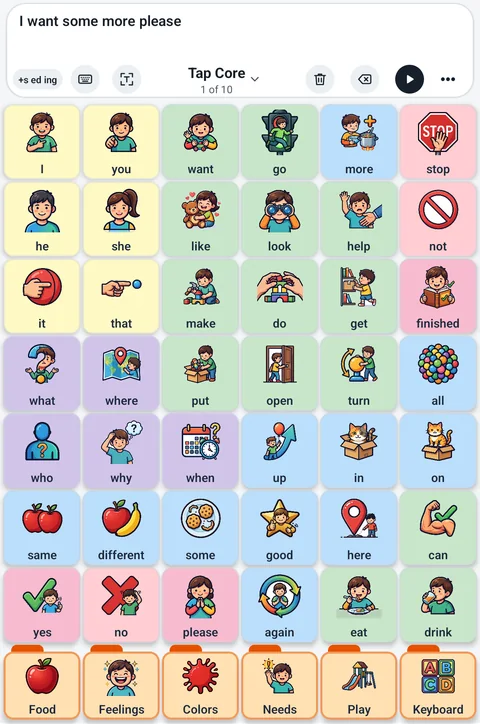
Tap AAC on a tablet held upright: the sentence bar says I want some more please, with the word endings chip, the Tap Core page name, Clear, Backspace, play and More, above Tap Core’s 48 colored picture buttons.
Tap Core: 48 core words, each always in the same place, with the sentence bar on top. Drag to turn the tablet.

How it works

From a tap to a sentence, out loud

Tap AAC is AAC (augmentative and alternative communication): pictures that talk, for people who can’t rely on speech, and for the parents, teachers and speech therapists who set it up.

  1. Tap a picture

    Every button has a picture and a word. Tap one and Tap AAC says it.

  2. Build a sentence

    Tap a few in a row and they line up in the sentence bar. After each word, the next likely words come up, so a sentence takes fewer taps.

  3. Bella says it

    Each word is spoken as it’s tapped, and play says the whole sentence. Bella, the app’s own voice, needs no internet. Prefer another voice, or your own? Both are a setting away.

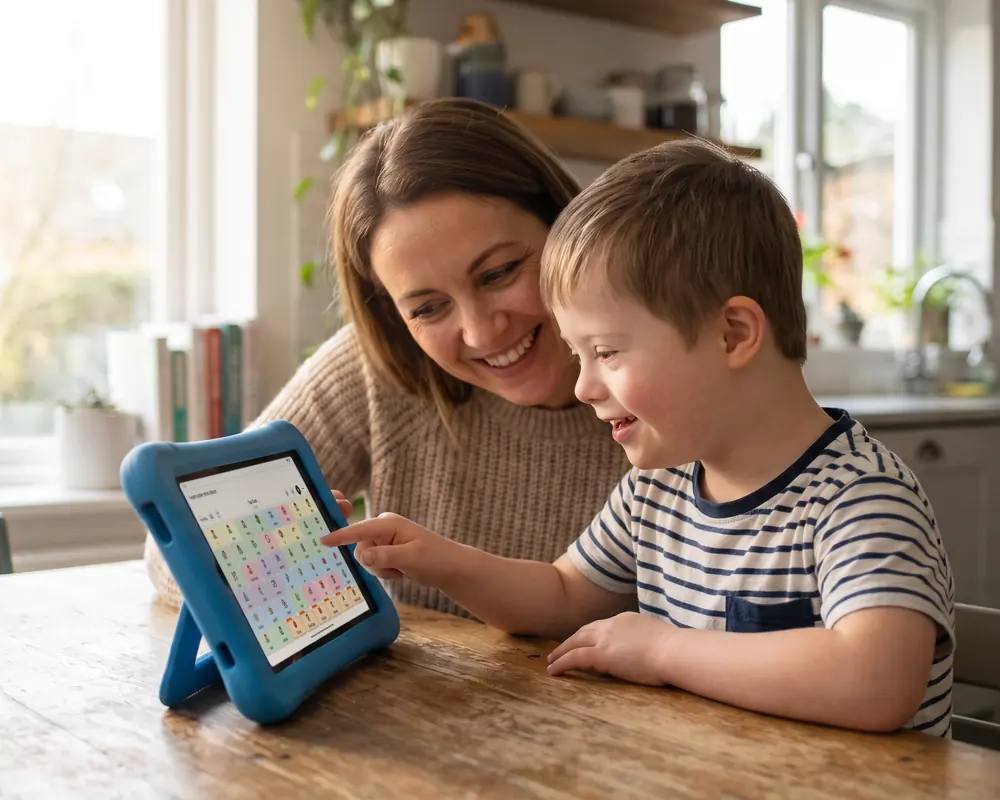
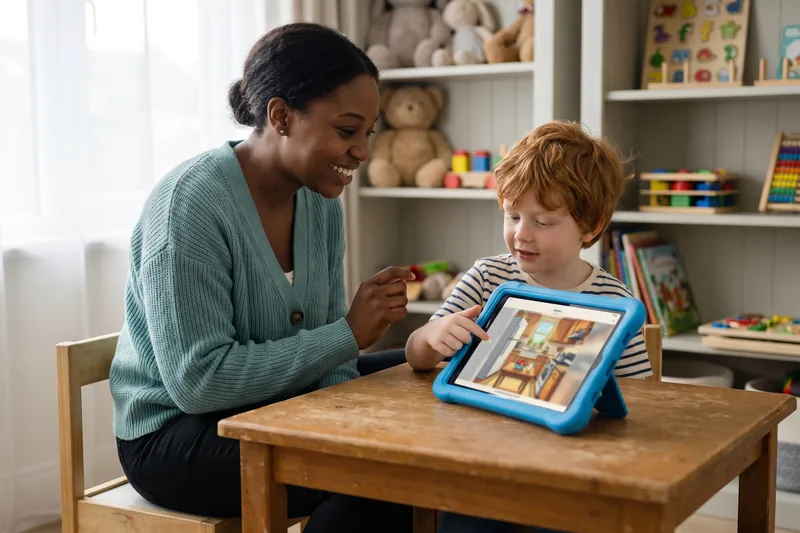
A mother and her young son at a kitchen table, both smiling, as he taps a picture button on Tap AAC on a tablet in a blue stand.
Tap Core at the kitchen table: tap a picture, and Bella says it.

Word Guesses

The next word, ready before they reach for it

Word Guesses is a calm talking screen of the words most likely to come next, each with a small picture. Tap one and the screen fills with what can follow it, so a sentence grows one guess at a time.

  • It learns how they talk. Once about 200 words have been said, the person’s own words come first: the ones they say after other words, their usual first words, and the names they type.
  • It looks two words back: “use the” brings up bathroom, and “watch a” brings up movie.
  • Modeling doesn’t count. Words a helper shows are never learned, and learning can be turned off or forgotten.

More about Word Guesses

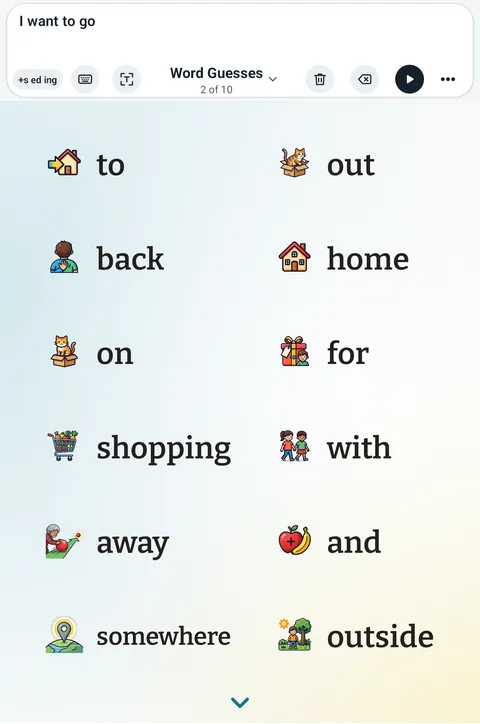
The Word Guesses screen on a tablet: the sentence bar at the top says I want to go, with the word endings chip, Keyboard, Show, the Word Guesses book name, Clear, Backspace, play and More, above big next-word guesses with small pictures, such as to, out, back, home, on and for.
Word Guesses after “I want to go”.

What’s inside

Everything it takes to talk, in one app

Ready-made words for day one, and room to make every page their own.

  • Words that stay put

    Ready-made vocabularies, from 48 core words on one page (Tap Core, with the Vocabulary Builder to show a few at a time) to whole vocabularies in one book (Tap Chatter and Tap Core 60). The most useful words stay in the same place, so the hand learns where they are, and in Tap Chatter “I want” brings up “to go”, “to eat” and “a break”.

  • More than 2,600 pictures

    All drawn in one clear style for Tap AAC. Search by word, or put a photo of the real cup, the real dog or the real teacher on a button.

  • Word endings in one tap

    +s ed ing turns “sandwich” into “sandwiches” and “play” into “played”, so a sentence comes out the way it’s meant.

  • A typing screen for any word

    When a word isn’t on a button, a full typing screen opens from the sentence bar, with word guesses that learn the person’s own words, quick phrases, letters spoken or quiet, and numbers one key away.

  • Scenes that talk

    A picture of a real place: touch the swings and they speak. 20 ready-made scenes, from the kitchen to the zoo, or make your own from a photo of your own room.

  • Ready-made pages

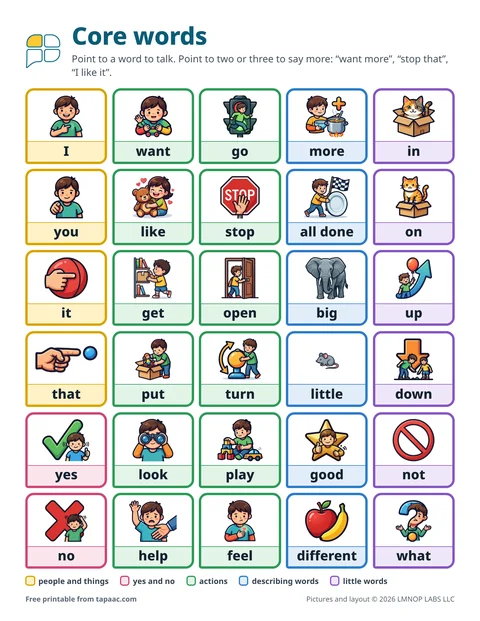
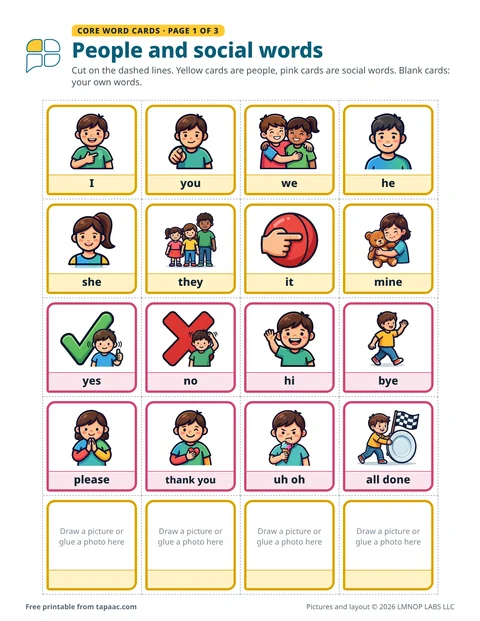
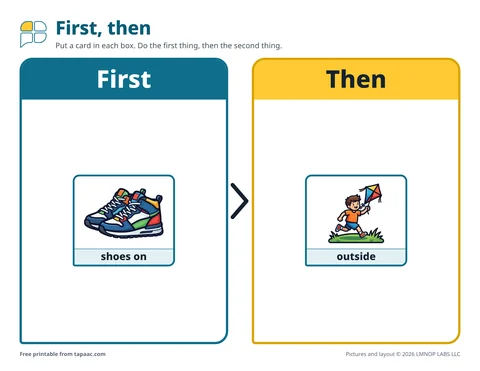
    41 ready-made boards, and 139 printable pages that talk: the free printables from this site, in the app, with every printed button speaking. Any page prints as a paper copy, too.

See everything Tap AAC does

Meet Bella

A warm, clear voice that’s always there

Bella is Tap AAC’s own voice. She’s built into the app, so she speaks with no internet connection, on a plane, in a basement classroom or at the hospital bedside.

  • Over 10,000 words and phrases recorded in Bella’s voice, and she says every picture.
  • She reads what’s typed, names included, right on the tablet.
  • Or use your own voice: record it on any button, or choose any voice on the tablet and set the speed.

Made for every hand

However they touch the screen

Settings for the way each person moves, sees and touches, built in, not extra.

  • Switch scanningOne or two switches: a switch box, a Bluetooth button, even a camera remote, or the whole screen as the switch.
  • For unsteady handsHold to speak, pause before repeat, and speak when the finger lifts. A resting hand doesn’t talk.
  • For every pair of eyesLight and dark looks, high contrast, reduced motion, and a word size for each button.
  • For every screenPhones, tablets, foldables and Chromebooks, built to Android’s large-screen guidelines. With a keyboard, Enter speaks and Esc closes; a mouse works too.
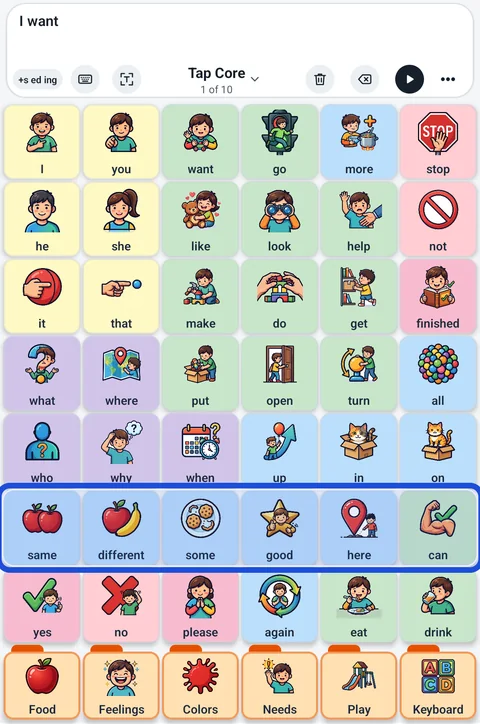
Switch scanning in Tap AAC: a blue frame around one row of Tap Core buttons, same, different, some, good, here and can, under a sentence bar that says I want.
Switch scanning: the frame steps over the buttons a row at a time, and a switch press chooses.

Who it’s for

For the person talking, and everyone beside them

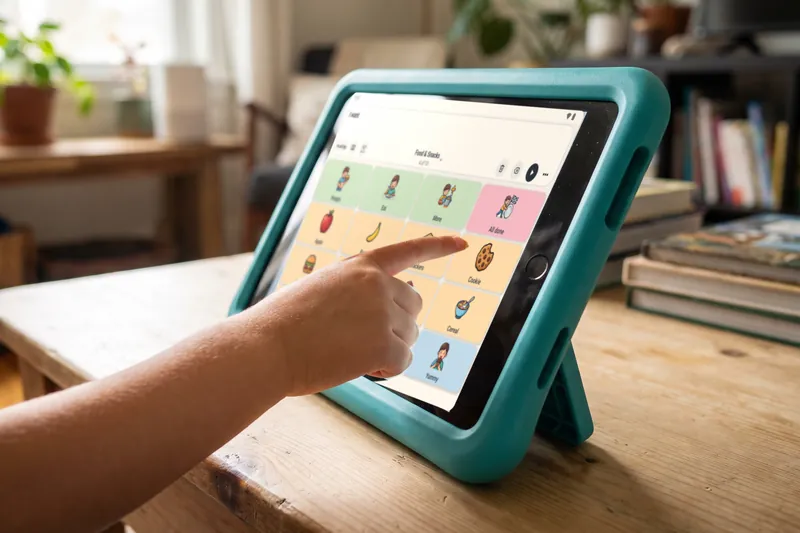
A child’s finger tapping a picture button on a Food and Snacks page in Tap AAC, on a tablet in a teal case.

Families

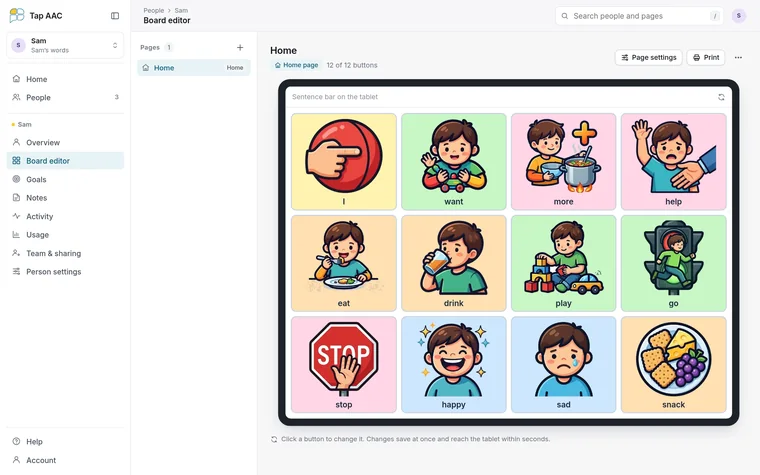
  • Start from a ready-made vocabulary, then make it yours with photos of your own people and places
  • Record your own voice on any button
  • A PIN keeps editing for grown-ups, and Keep on screen holds Tap AAC in place
  • Guided tours on the real screen, read aloud
Free printable boards for home
A speech therapist sitting beside a young boy at a small table in a therapy room while he points to a Tap AAC kitchen scene on a tablet.

Speech therapists

  • Modeling: show words without them counting as the person’s own
  • A word finder that lights the way to any word, one button at a time
  • A vocabulary check, and a report to print from the word diary
  • Invited by a family? Edit the book, track goals and keep notes at tapaac.com/app
Tap AAC for speech therapists
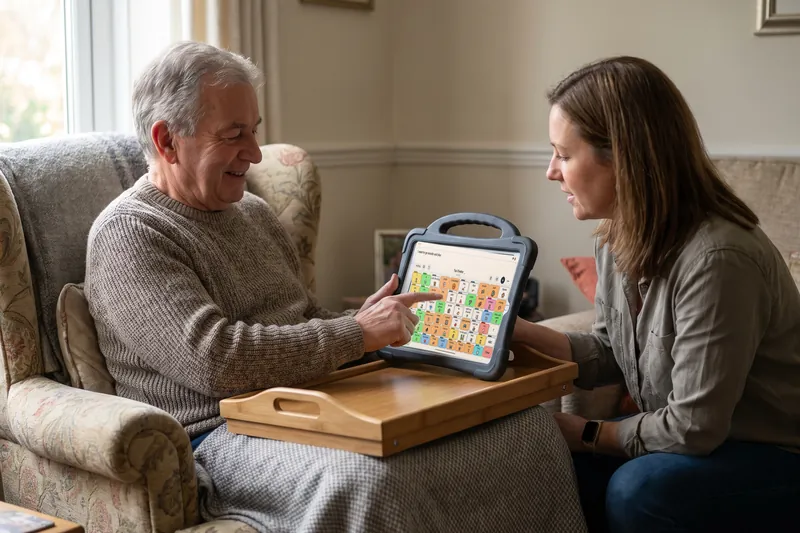
An older man in an armchair using Tap AAC on a tablet on his lap tray, with his adult daughter beside him.

Adults who use AAC

  • A full typing screen whose guesses learn your own words and names
  • Quick phrases one tap away, saved phrases and recent sentences
  • Show: the sentence in giant letters for someone who can’t hear it
  • Pages for grown-ups, hospital stays and everyday life
AAC for adults: the guide

Free, no sign-up

Free AAC resources, made with our own pictures

Print a board tonight, plan a core word for the week, or read a plain-language guide. No app needed.

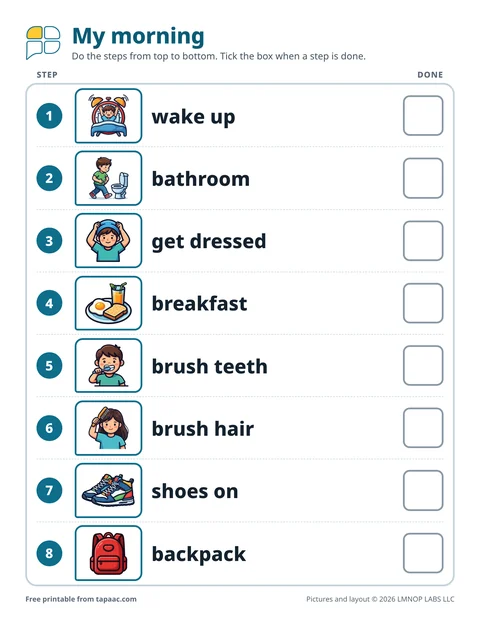
Thanksgiving with AAC: a board and three worksheets

Our free Thanksgiving board has the words for the big meal, like please, more, too loud and I need a break, plus a page of thankful cards so the person gets a real turn at the table. Three new worksheets help you practice before the day: set the table, an “I want” sentence strip and find it on the board.

Price

30 days free. Then $29.99, once.

Everything in the app, with no limits, from the first time Tap AAC opens. After that, one payment through Google Play keeps it working. No subscription, no ads.

First 30 days

Free

Every feature, counted from the first time Tap AAC is opened on the tablet.

Nothing is ever deleted. If the trial runs out, the book waits on the tablet and opens just as it was once Tap AAC is unlocked, and a backup can still be saved in the meantime.

Questions

Good to know

Does Tap AAC need the internet?

No. Talking, Bella, the pictures and editing all work offline. The internet is used for the purchase and, only if you sign in, for keeping the book in your account and sharing it.

Do I need an account?

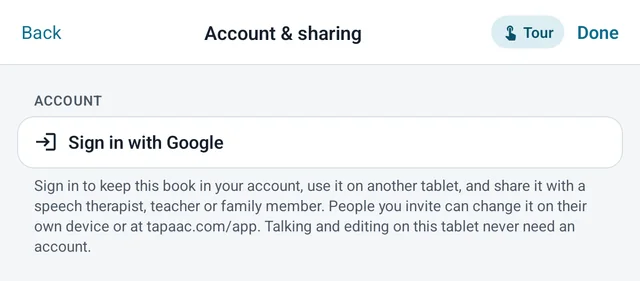
No. Tap AAC works fully on the tablet with no account. Signing in with Google is optional: it keeps the book in your account, so you can use it on more than one tablet and share it with a speech therapist, teacher or family member.

What goes online if I sign in?

The book’s pages, buttons, photos and recordings, so the people you invite can see them. Settings, quick phrases, saved buttons and phrases, videos and recorded messages stay on each tablet. The word diary never goes into the shared book. See the privacy policy.

Which devices does it run on?

Android phones, tablets, foldables and Chromebooks with Android 8.0 or later, upright or on their side. It works with touch, a keyboard (Enter speaks the sentence, Esc closes a menu) or a mouse, and a page’s buttons never change places when the screen turns or the window changes size.

What happens after the 30 days?

Only the unlock screen opens until Tap AAC is bought, for $29.99 once through Google Play. Nothing is deleted: the book, photos and recordings wait on the tablet, and unlocking opens everything just as it was.

Can we use our own photos and voice?

Yes. Take a photo with the tablet’s camera or pick one from the photo library, and record your own voice on any button, quick phrase or talking spot.

Can we bring boards from another AAC app?

Yes. Tap AAC opens Open Board files (.obf and .obz), including the “Add to Tap AAC” files on our free boards, and adds them as new pages. It can also share a page back out as an .obz file for other AAC apps.

How do I back up the book?

Settings, Backup & reset saves one file with every page, button, picture and recording, plus the word diary. Restore it on any tablet with Tap AAC. The support page has the steps.

Every voice deserves a way to be heard

Tap AAC is on Google Play now. Try everything free for 30 days, then pay $29.99 once. No subscription, no ads.