 Tap AAC
Snack choice board
Six snacks to choose from, big enough to point to from across the table. Swap in the snacks you really have, or add a photo of the real box.
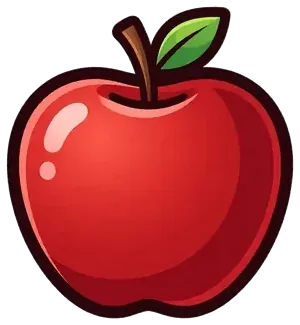 apple
apple banana
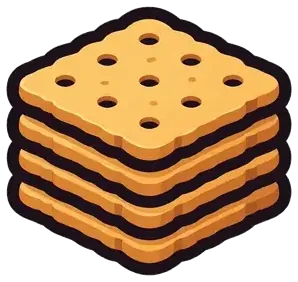 crackers
 cheese
 yogurt
 water
water
Make a picture communication board or a choice board in your browser, free. Choose a grid or a choice board, search more than 2,500 pictures or add your own photos, then print it, save it as a PDF or download it as a picture. No sign-up, and nothing you add is uploaded.
Making a schedule? Use the free visual schedule maker: morning, bedtime, school day and toilet routines are ready to open and change.
Turn JavaScript on for this site to make a board, or print one of the free printable AAC boards, ready to use.
Try an example:
Right-click a square (or press and hold it) for more: copy, paste, hide, move. Drag a square onto another to swap them.
Empty
Tap the square to hear it. The arrows open the one beside it; every change is kept as you make it.
Leave the second one empty to have the voice say exactly what is written on the square.
Tap one to use it. Find a picture, below, has every picture.
Type a word, or choose a group.
The square says its words. Choose “Opens a page” to make it a folder: it shows a folder tab, on the screen and on paper.
A hidden square keeps its place but does not show when the board is used, and prints as an empty space: the Vocabulary builder’s “not yet”.
Go back suits a word on a page reached through a folder; going to the first page suits a word that ends a visit, like all done.
Sound it out says the word in parts, then whole: el - e - phant, elephant. The board talks in your browser when you try it out. A recording plays instead of the voice; it stays on this device and goes into “Save for Tap AAC”.
Your photo stays on this device. The board maker reads it in your browser and never uploads it.
Keep a square you use a lot, with its picture, words, colors and recording, to put on any board.
Takes the picture, words and recording off this square and leaves an empty space. Undo brings it back.
Open an example in the maker with one click, then change the pictures, the words and the layout to fit the person who will use it.
Six snacks to choose from, big enough to point to from across the table. Swap in the snacks you really have, or add a photo of the real box.
applebananacrackerscheeseyogurtwaterTwelve small words that work at the table, in the bath and at the park, colored by type of word. Keep each word in its square as you add more, so the hand learns where to go.
 I
I want
want more
more all done
 go
go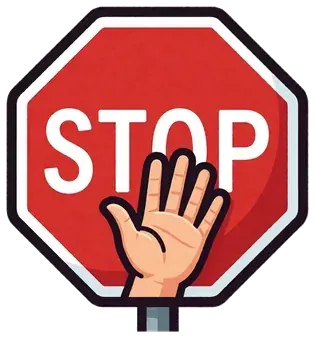 stop
stop help
help look
look like
like not
not yes
yes no
noEight feelings for a quick check-in at the start of the day or after a hard moment. Every square is the same color, so no feeling looks like the wrong one.
 happy
happy sad
sad mad
mad scared
 tired
tired calm
calm worried
 excited
Twelve words for the park: things to play on, actions and a few words for playing with other children. Colored by type of word.
 swing
swing slide
slide sandbox
 ball
ball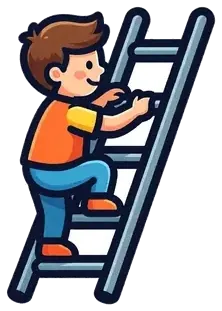 climb
climb run
run my turn
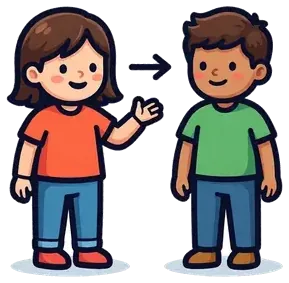 your turnhelpstopmoreall done
Two big pictures for someone who is just starting to choose. Hold up the real things too, and give the one they point to or reach for.
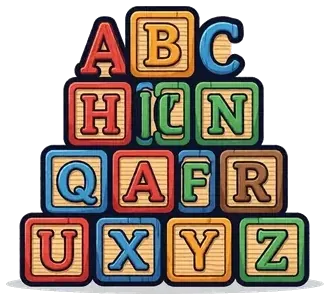 blocks
 bubbles
A grid of pictures to point to, from a single square up to 80 (8 rows of 10). A board for one activity, like snack or the park, can start with six to twelve squares: a few words that work anywhere, like more, help, stop and all done, plus the things of that activity. Keep each word in the same square as the board grows, so the hand learns where it is. The guide how to make a communication board covers choosing the words and planning the layout.
Two, three, four or six big pictures for making a choice: snacks, toys, songs or places to go. Start with two for someone who is new to choosing, offer only real choices, and give the one that’s chosen.
Some boards give each type of word its own color, so the same kind of word is always the same color and is easier to find. The board maker offers one common set, the same as the Tap AAC app’s, and suggests a color for each word you add:
| Color | Type of word | Examples |
|---|---|---|
| Yellow | People | I, you, mom, teacher |
| Green | Actions | go, eat, play, help |
| Blue | Describing words | big, hot, more, all done |
| Orange | Things and places | ball, cup, park, home |
| Pink | Social words | hi, please, thank you, my turn |
| Purple | Questions | what, where, who, why |
| Red | No and stop | no, stop, don’t, not |
If the person’s speech therapist or school already uses colors, use theirs, so every board matches. If you’re not sure, it’s fine to leave the squares white or use one color for the whole board.
The board maker runs in your browser. Photos you add are read and made smaller on your device, and they’re never uploaded. There’s no account, no ads and no tracking. “Save” keeps boards in this browser only, and a board file (for the board maker or for Tap AAC) stays on your computer until you choose to share it. More in the privacy policy.
Yes. There’s no sign-up and no email to give. Each board has a small line at the bottom, “Made with Tap AAC · tapaac.com”, so people know where it came from.
No. Your browser reads the photo and makes a smaller copy for the board, all on your device. The photo is only in the board on your screen, in boards you save in this browser, and in board files you download.
Choose “Download board file”. It makes a small file you can email or put on a USB stick. The other person opens this page and chooses “Open board file” to see and change the board. You can also print it, save a PDF or download a PNG.
Yes. Print as many copies as you need for home, school or therapy, and share them freely. Please don’t sell them.
Yes, in the web browser. A bigger screen makes it easier to see the whole board, and on a phone, “Download PNG” is often the easiest way to print or send it.
In this browser, on this device, under “My boards”. They aren’t in an account, so they won’t appear on another device, and clearing your browsing data removes them. To keep a board safe, download a board file.
Yes. Choose “Save for Tap AAC (.obz)”. It saves the board, with its pictures, colors and your photos, as a board file. Put the file on the tablet, then in Tap AAC open the Page library, choose “Import a board file” at the end of the list and pick it. The board is added as a new page, and nothing else in the book changes. Other AAC apps that open Open Board Format (.obz) files can open it too. You can save the file now and add it whenever you have the app.
On the screen, yes: choose “Try it out” and tap the squares. Your browser says each one out loud, or plays the voice you recorded for it, and a square that opens another page goes there. Paper boards don’t talk, but Tap AAC, our app for Android tablets and phones, is a board that talks: tap a picture and it says the word out loud. “Save for Tap AAC (.obz)” turns your board, with all its pages and recordings, into pages for the app.
Want a board that’s ready to print? See the free printable AAC boards: core words, yes and no, choice boards, routine charts, toilet steps, feelings, a hospital board and more.
The board maker and these tips are general information, not therapy or medical advice, and they don’t replace a speech therapist. A speech therapist who knows the person can help choose the right words, pictures and layout. The pictures are Tap AAC’s own picture set. Questions or ideas for the board maker? Email support@lmnoplabs.fun.