 Tap AAC
Video call communication board for calls with family
On a video call, Grandma asks “How was school?” and waits, and a child who doesn’t speak may just wave and wander off. A video call communication board gives them their side of the call: hi!, I miss you, I love you, I want to show you, guess what?, and I can’t hear you when the sound drops. This free PDF has that board, a page for choosing who to call with room for photos of your own family, and the steps of making a call.
Download the free PDF US Letter, 3 pages, 1,652 KB
Portrait (tall page, 3 pages): US Letter PDF (1,652 KB) · A4 PDF (1,653 KB)
Landscape (wide page, 3 pages): US Letter PDF (1,654 KB) · A4 PDF (1,654 KB)
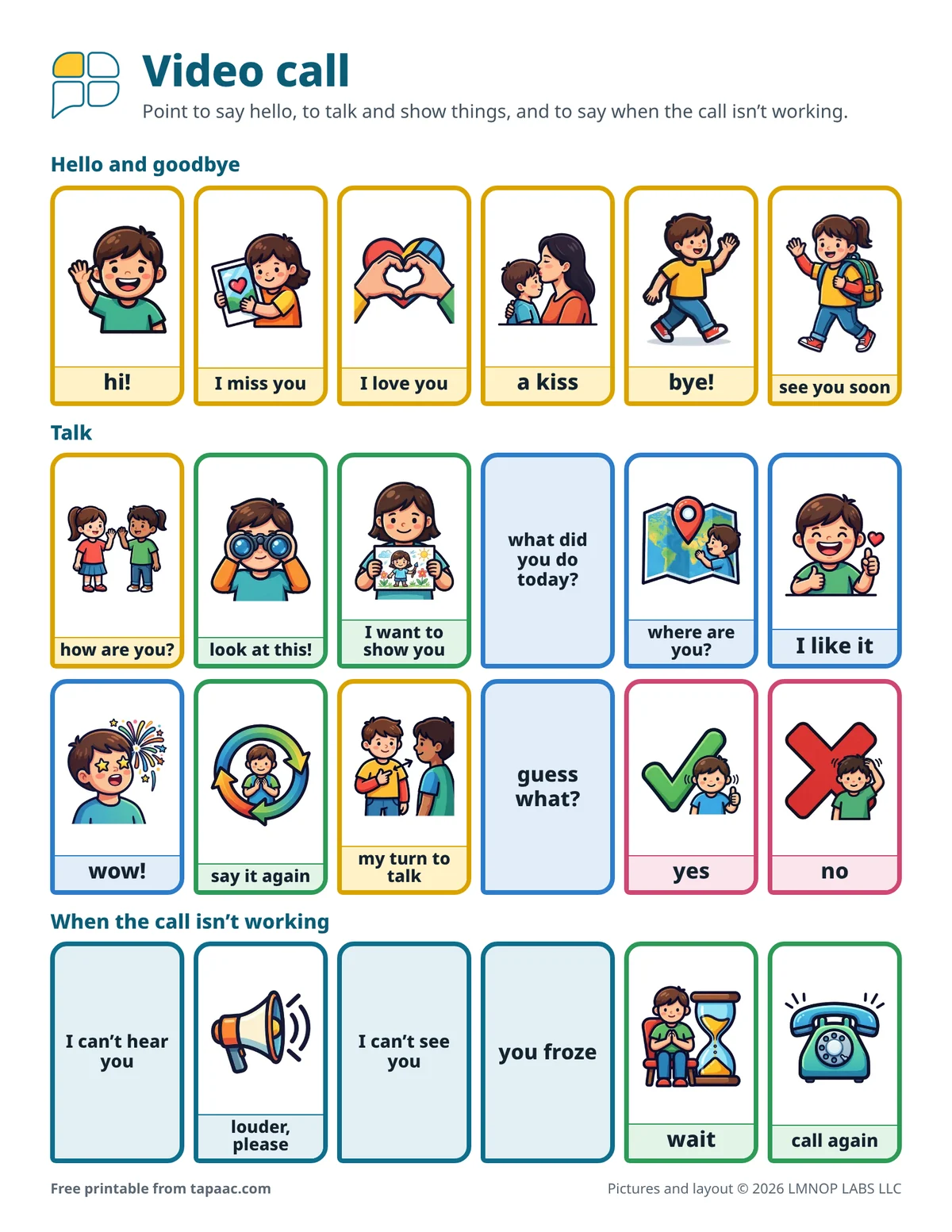
Edit this board in the free board maker: change the words and pictures, then print.
Have Tap AAC? Add to Tap AAC (.obz file, 1,535 KB) · How to add a board
- Free
- No sign-up
- Print as many as you need
Why calls are hard without words
A video call is a conversation with no pause button: questions come fast, the sound lags, and the screen is small. For a child who uses pictures or a talker, holding the tablet, watching the screen and finding words all at once is a lot. The board gives them a second place to look, right beside the screen, with the things people say on every call. It’s for families with grandparents, parents or brothers and sisters far away, children whose parent travels for work, and adults in a care home calling their family.
Setting up the call
- Prop the tablet or phone up on a stand or a pile of books, so hands are free to point.
- Put the board beside it, where the camera can see it, so the person at the other end sees the pointing too.
- Tell the family member about the board before the first call: ask one question at a time, then wait.
- Pick something to show from page 2 before you call: a drawing, a toy, the dog.
- Keep it short. Five good minutes beat twenty hard ones.
Talking and showing
Show how it works during the call: say “Guess what?” as you point to guess what?, then I want to show you, and hold up the drawing. Family members can do the same if they have a copy at their end: mail them one, or send them the PDF. What did you do today? is on the board so the child can ask the question back, not only answer it. When the child points, the family member answers that, even if it’s wow! for the fifth time.
When the call goes wrong
Frozen pictures and lost sound are part of every video call, and they can end one in tears. The bottom row of page 1 has words for them: I can’t hear you, louder, please, I can’t see you, you froze, wait and call again. Practice them on a call with someone patient, so the first frozen screen is funny rather than upsetting.
Choosing who to call
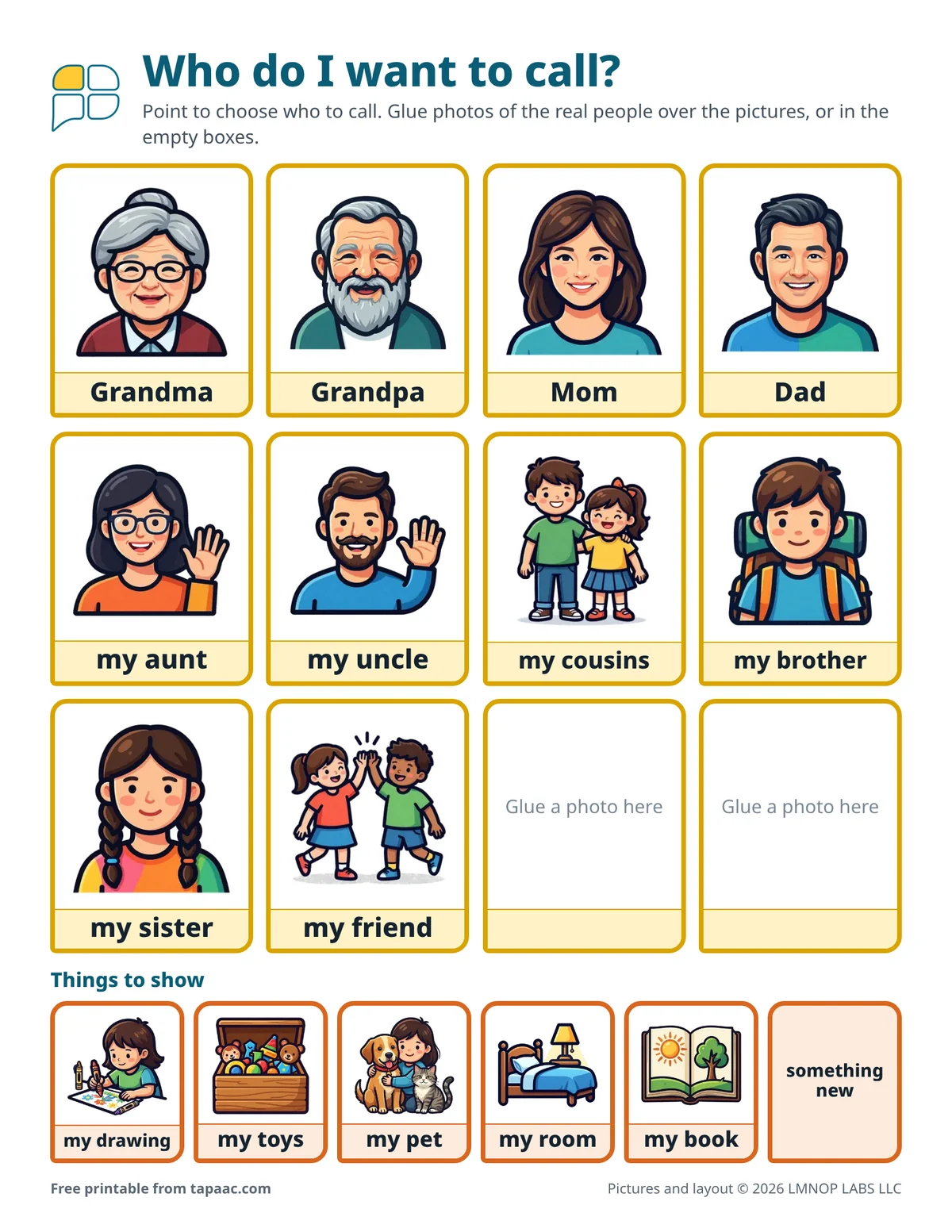
Page 2 lets the child choose who to call, which makes the call theirs. Glue a photo of each real person over the picture, or into the two empty boxes for anyone who isn’t there: a stepparent, a babysitter, a friend from an old school. For an adult in a care home, the same page works with photos of their own family, and the care home communication board has the rest of the day’s words.
Leo is five, and his grandpa lives in another state. On Sunday his mom props the tablet against the fruit bowl, with the board beside it. Leo points to Grandpa on page 2 to make the call. When Grandpa answers, Leo points to hi!, then I want to show you, and holds up a drawing of a truck. The picture freezes; Leo points to you froze and laughs. Grandpa has a copy of the board too, and points to wow! on his.
Every word on the sheets
Hello and goodbye
- hi!
- I miss you
- I love you
- a kiss
- bye!
- see you soon
Talk
- how are you?
- look at this!
- I want to show you
- what did you do today?
- where are you?
- I like it
- wow!
- say it again
- my turn to talk
- guess what?
- yes
- no
When the call isn’t working
- I can’t hear you
- louder, please
- I can’t see you
- you froze
- wait
- call again
Who do I want to call?
- Grandma
- Grandpa
- Mom
- Dad
- my aunt
- my uncle
- my cousins
- my brother
- my sister
- my friend
Things to show
- my drawing
- my toys
- my pet
- my room
- my book
- something new
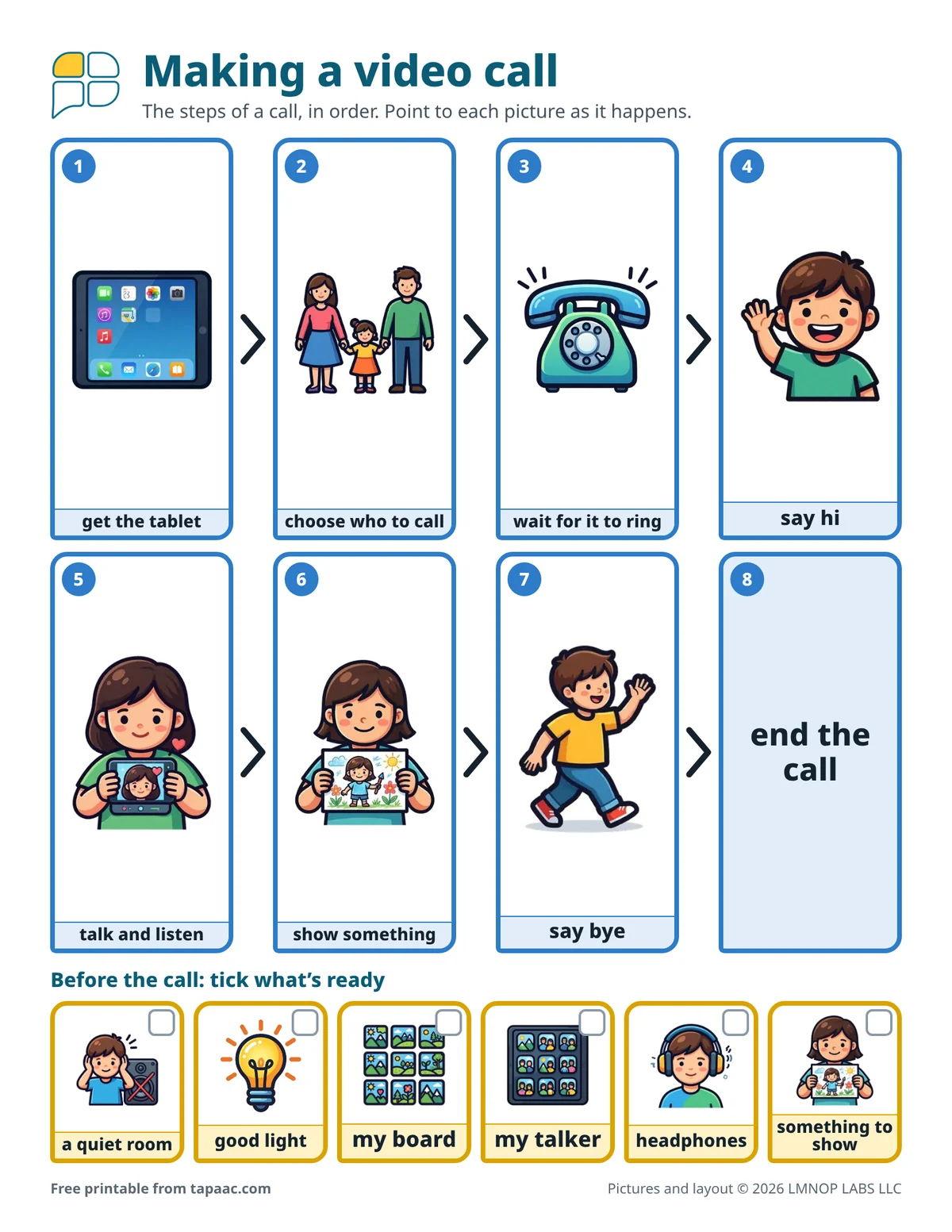
Making a video call
- get the tablet
- choose who to call
- wait for it to ring
- say hi
- talk and listen
- show something
- say bye
- end the call
Before the call
- a quiet room
- good light
- my board
- my talker
- headphones
- something to show
Printing tips
- Print two copies of page 1: one for home, one to mail to the person you call most.
- Glue the photos onto page 2 first, then laminate it.
- For hellos in person, the greetings and conversation board; for the feelings a call can bring up, the feelings board.
- Getting grandparents, brothers and sisters involved: helping the whole family.
More free boards
-
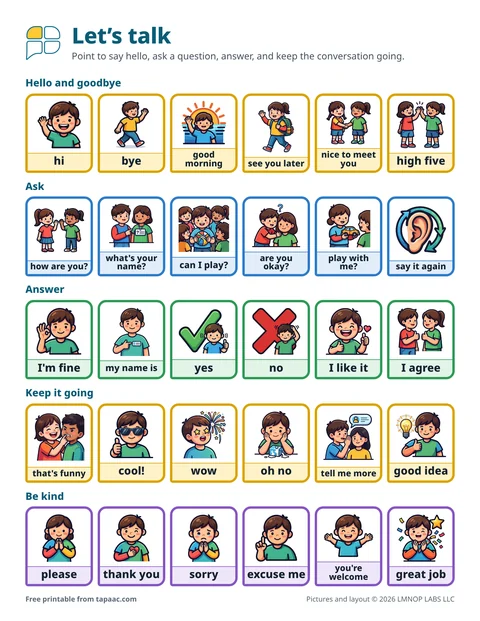 Greetings and conversation boardHello, questions, answers and kind words, plus 12 conversation starter cards.
-
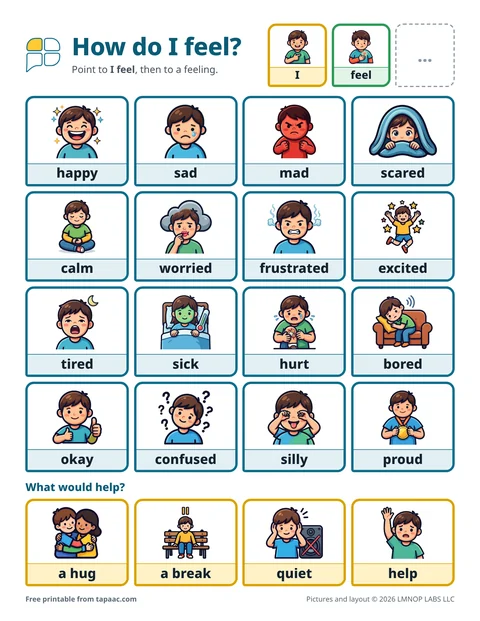 Feelings board16 feelings, from happy and calm to mad and worried, plus what would help.
-
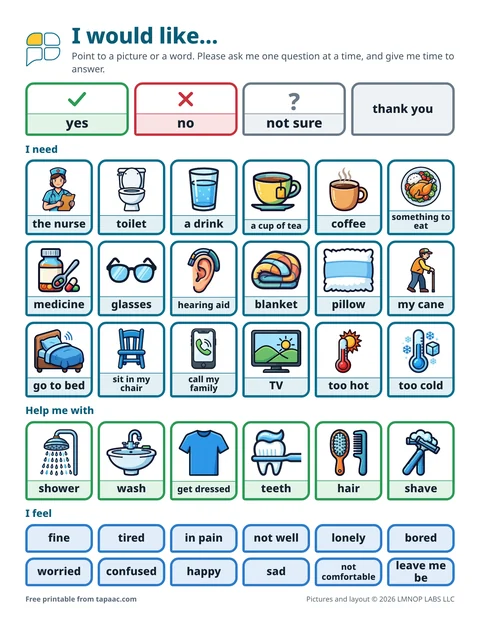 Care home communication boardNeeds and comfort for residents, things they enjoy, and an About me page for staff.
-
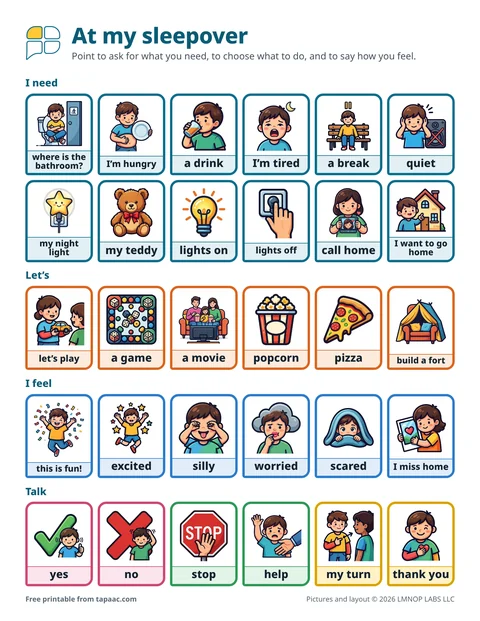 Sleepover communication boardWords for a sleepover or a night at a relative’s, bedtime away from home with a packing list, and an About me note for the host.
Need a different board? Make your own with the free AAC board maker.
More boards on this topic: home communication boards.
These boards and guides are general information, not therapy or medical advice, and they don’t replace a speech therapist. A speech therapist who knows the person can help choose the right words, pictures and layout. The boards are free to print and share; please don’t sell them (terms of use). Questions about the boards? Email support@lmnoplabs.fun.